Iridoveya · Apple Vision Pro
Iridoveya.
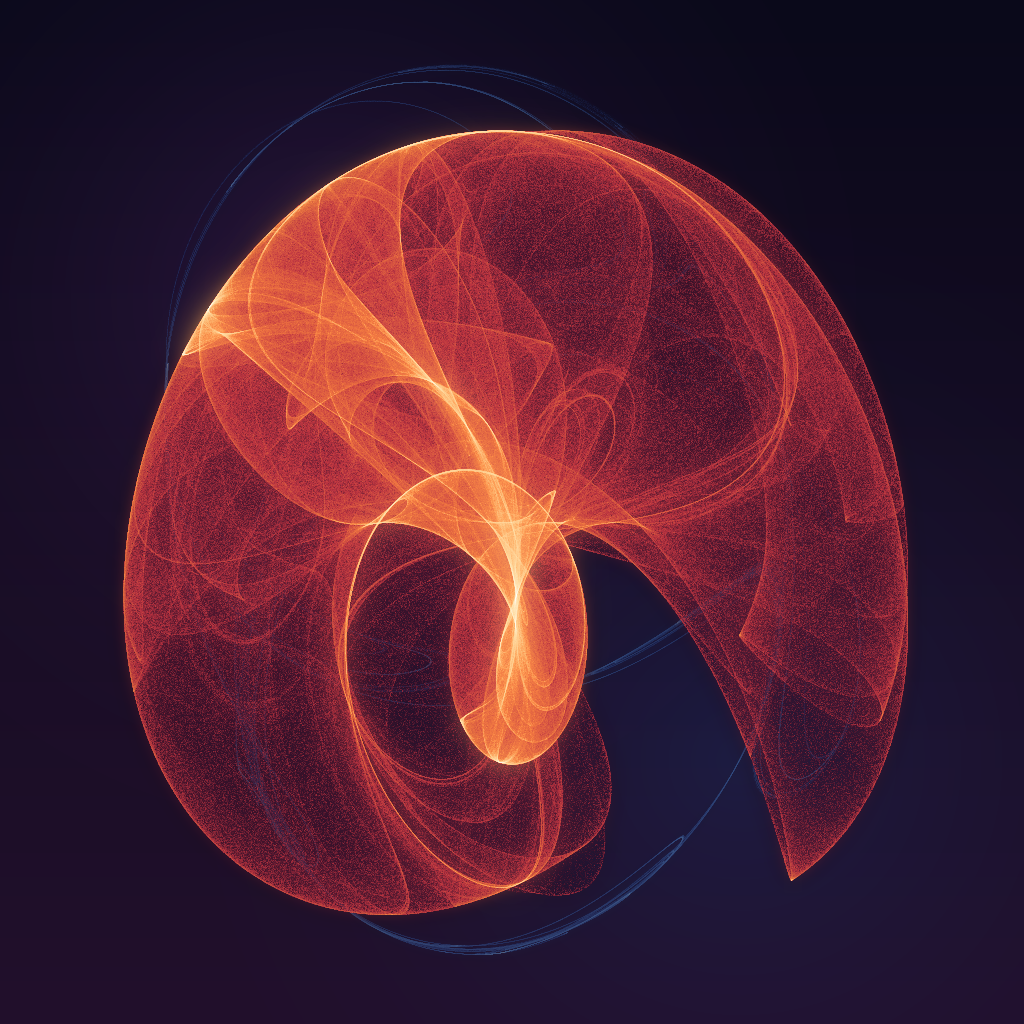
Step inside living mathematics. Glowing tunnels, organic blooms and drifting nebulae, grown from strange attractors on your Apple Vision Pro.
Find a world that feels right
Begin in Journey with Frost Lens selected by default. Frost Lens and Ember Cathedral are free to enter. Choose a collection, discover a variation, and preview it before entering. Every collection can be previewed in the window.
Move at your own pace
Open Comfort to choose artwork motion, visual density, and Soft or Crisp point edges. Ember Cathedral starts with gentle Calm motion, Light density, and Crisp edges; other worlds start with Calm, Full, and Crisp. Still freezes the artwork while head tracking continues. Preferences are remembered separately for Ember and other worlds and apply to previews and your next session. Set a 3, 5 or 10 minute session. Pinch anywhere to return to the window, or use the Digital Crown. Stop whenever you feel uncomfortable.
Make it yours
Free Advanced controls let you explore formulas, color palettes, density and scale. Keep up to nine favorite worlds on your device, revisit recent sessions, or try Today’s Drop. When your saved shelf is full, remove a world to make space.
One purchase. The full library.
Frost Lens and Ember Cathedral are the two free collections. One optional non-consumable In-App Purchase unlocks immersive access to all other included collections and premium worlds. All previews, Advanced controls, saving and comfort settings are free. The purchase price appears in your local currency inside the app. There is no subscription.
Existing purchases can be restored through the App Store. Purchase and restore help →
Rendered on your device
No app account, advertising or analytics. Your saved worlds stay on your device. Exploring available worlds works offline; buying or restoring needs an App Store connection.